Computers
Our Top 5 4K Video Editing Tools for 2026
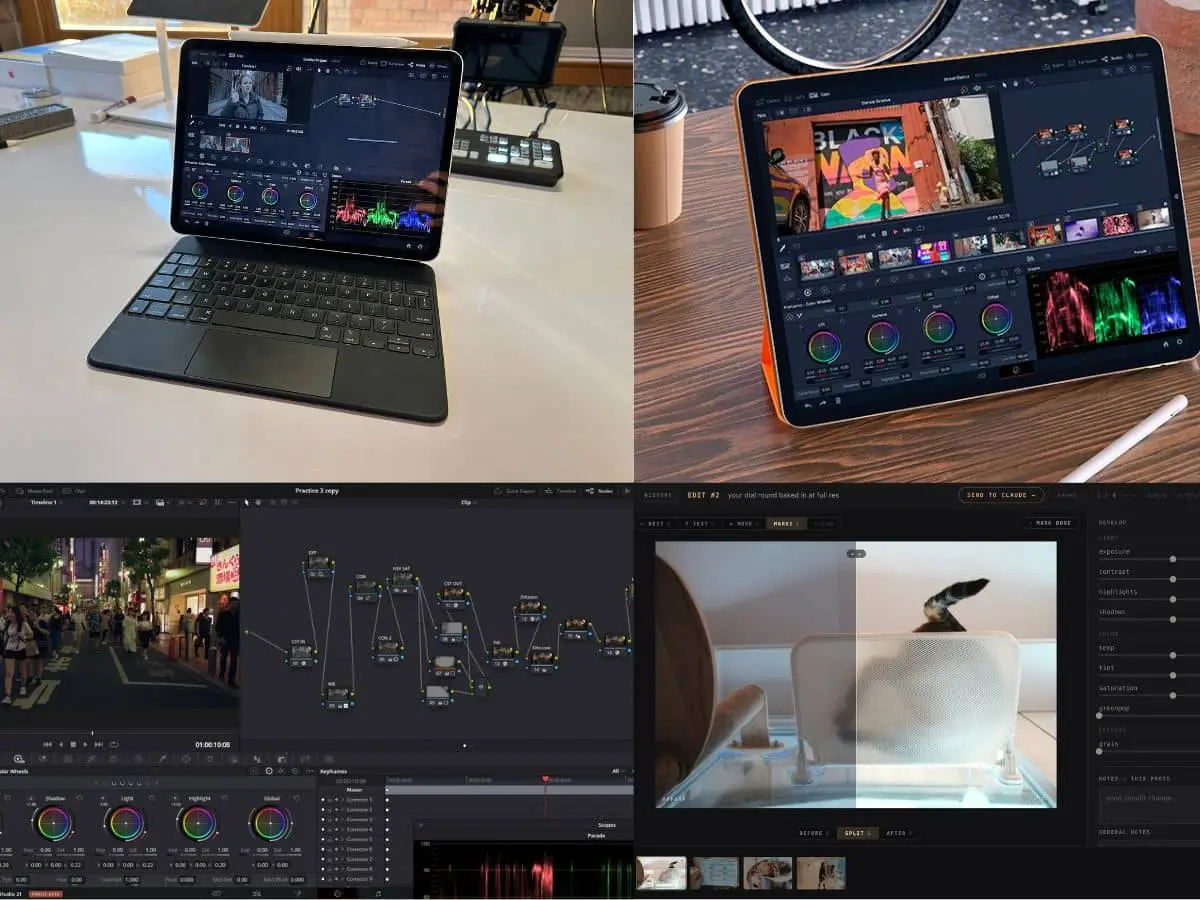
What’s the most affordable video editing tool with 4K support in 2026? Let’s have a real breakdown talk of some of the best budget friendly, if not free, options right now.
We will list our five favorites. And some can take you by surprise. You do not need to pay expensive monthly subscription fees and still come out with crisp videos and footage.
There are also a handful of free editing tools that you can render your 4K videos with. Yes, you heard it right, you don’t even have to spend a dollar.
Top Picks: Video Editing Tools with 4K Support
VN video editor
This tool is free and can be accessed on Mac or Windows. While a lot of free apps may hide the 4K editing behind a paywall, this veers away from that.
You get access to multitrack editing, key framing, and clean exports sans the watermark.
This is highly recommended for social content when you need to make quick cuts and clean timelines. The caveat is that you won’t get that surreal complex 3D motion graphic. But for everyday editing that rocks and still comes out sharp and crisp, this is very dope and slick.
Something to keep in mind is that this relies heavily on your desktop processor. So if you are editing a 4K video with speed ramping and multiple video overlays on an old PC or low speed laptop, it will cause lagging.
Also, this is not recommended for massive multi-cam 4K projects. We can just say that it’s free so manage your expectations.
LumaFusion
This entails an affordable one-time purchase of less than 30 dollars. This stands out if you are mostly using your mobile phone or tablet for editing videos. You can still get that desktop caliber multi-track 4K editing with having to use a desktop.
You can enjoy the liberty of being free from incurring monthly charges while getting access to precise key framing, custom aspect ratios, and smooth 4K exports.
This is perfect for folks who need to work on their videos while traveling, catching a plane, or sitting in a bus or train.
A thing to note, though: this is built for touchscreens, as it runs impressively on iPads, iPhones, Android tablets, and Apple Silicon. It isn’t meant to be used for Windows and PCs.
At an affordable price, it can render colored grains that are not cheap. So even flat-looking videos that are taken on your phone can come out looking robust with professional colors in the edits. You will be able to smooth out speed changes and animate text or add graphics seamlessly across the screen. You can also overlay background music that automatically turns down when you speak- all of these in a single screen.
Movavi
This tool entails a one time purchase of only 50-80 dollars. This is highly intuitive and can be a great video editor for dummies.
You do not need to be a pro to be able to hack the system. It skips that steep learning curve, and you don’t have to watch tutorials and read manuals for weeks trying to figure out your way around it.
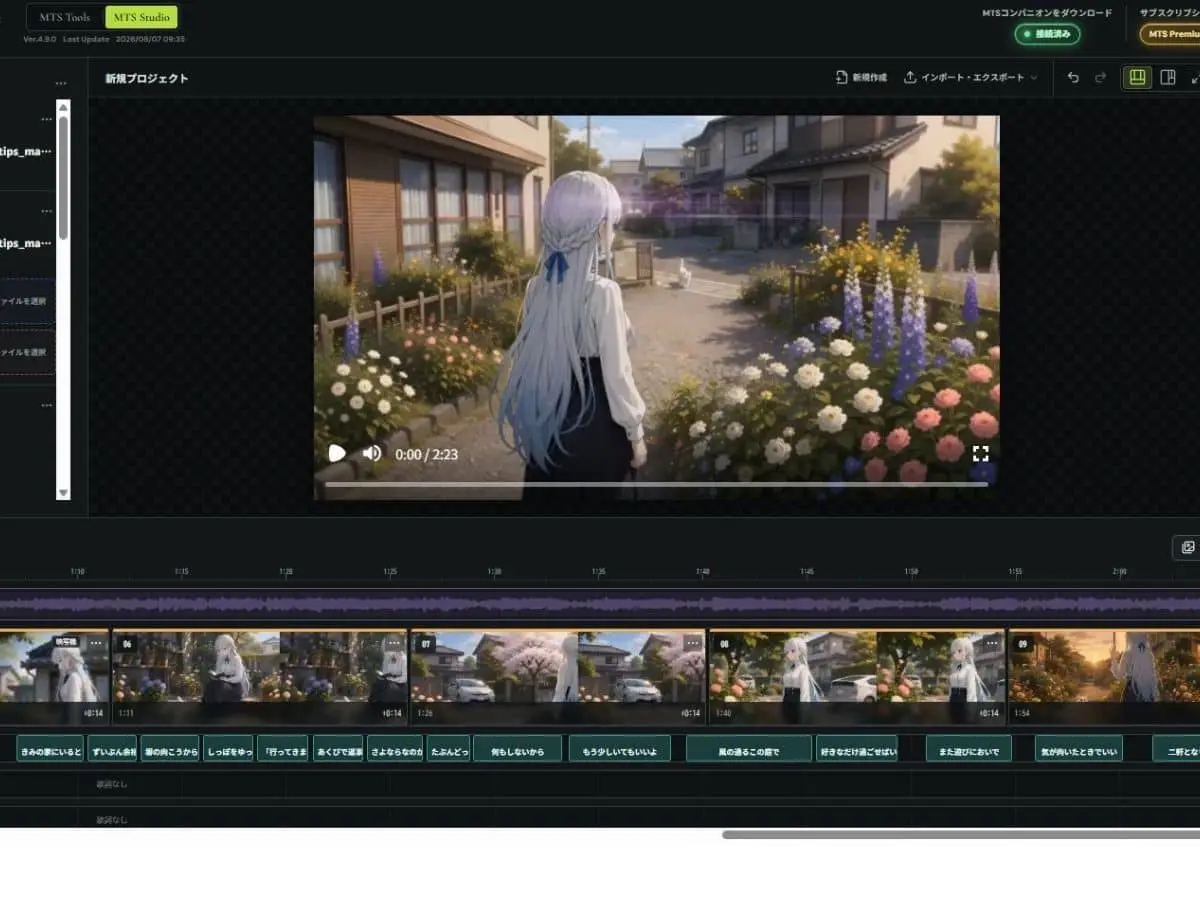
This tool focuses more on speed, clarity and drag-and-drop simplicity. The timeline is quite straightforward, and you have that window preview, a clear side menu for the audio, transition and effects. The interface is very beginner-friendly that most users, even those who have not much editing experience, will be able to figure it out quickly. You will be able to edit and export the video in under 30 minutes.
The one-click drag-and-drop effect sold us. This tool comes preloaded with animated titles, transition presets, and filters. You just simply hover over the effect to see the preview and drag it straight to your video clip.
This is highly recommended if you edit videos on a Mac or PC and want a fast and stress-free edit. Don’t get this if you need to edit on a tablet or mobile phone.
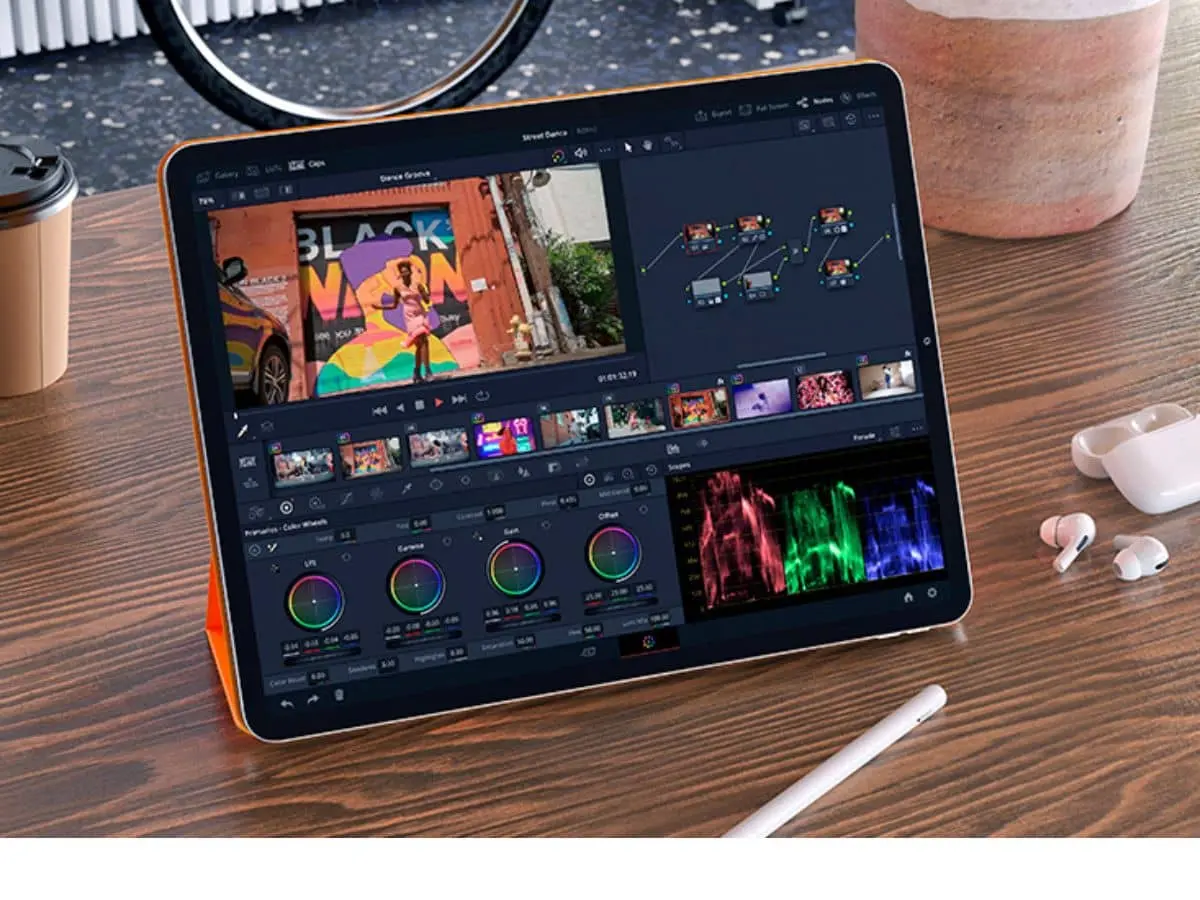
DaVinci Resolve
This is one of the crowd favorites and maybe impossible to beat the value. Even the free version, unlike CapCut, supports 4K video editing. It will not skimp on the good things even when cost is not a factor. You still get those full multi-track timelines, the advanced color tools sans the water mark.
This is an all-in-one architecture that allows you to do everything in one payment-free video editing tool.

The thing is, you have to use a PC with decent hardware specs, a solid GPU, and RAM to make it run smoothly. And oh, this is not for the weak. This may require you to undergo a steep learning curve compared to the other tools that we have mentioned above. Thus, this is mostly built for the pros.
This is perfect for those needing a studio-grade editor and can be really hard to beat.
Runner-up
This can also give you great value depending on what your needs are.
CapCut
This is available on desktop, mobile, and the web. It offers a complete set of editing features that can save you hours of manual labor.
This skips the learning curve. It is very fast, intuitive, and easy to use. Those who have not done video editing will be able to figure a way around this app sooner rather than later.
The free version gives you access to a full multi-track timeline, trimming, speed ramping, cutting, color adjustments, and basic transitions. It is only available at 1080p. The catch is, if you need to edit 4K videos, you need to get CapCut Pro.
How much of a budget friendly option that is depends on the circumstances. If you are going to use CapCut Pro for a revenue-generating business, yes, it is still affordable. For content creators, freelancers utilizing multiple reels, TikToks, and such, the monthly repayments can make up for the time and effort you will save.
But if you are going to use it casually, then you might feel it hurts a bit. This means that if you just make 1-2 videos a month, then it is not worth it.
Pick the Right Tool
Select one that fits your setup. Download it and start creating.
Affordability can range from the free, the one that doesn’t entail a monthly cost, to a tool where you can get the most value from what you are doing.
Thus, it is imperative to discern what you are going to use for editing. Some of the amazing options we have can be used on phones alone. Some might require a PC with decent specs.
With these tools, you don’t need to splurge and pay ridiculous monthly fees to create sharp 4K videos.